Your new lifecycle marketing teammate
Create campaigns, build segments and Journeys, and review analytics using plain language inside the dashboard or from any AI assistant.
OneSignal AI
Your new coworker in the OneSignal platform
Ask anything
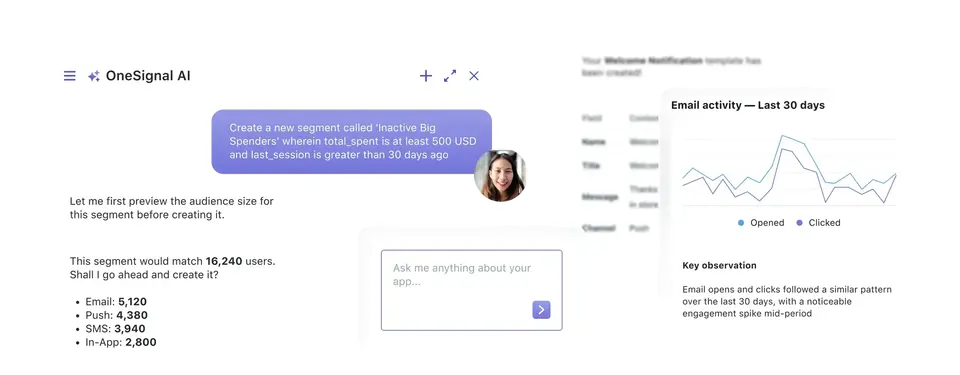
Campaign performance, segment growth, delivery health — get answers conversationally without navigating analytics views
Act instantly
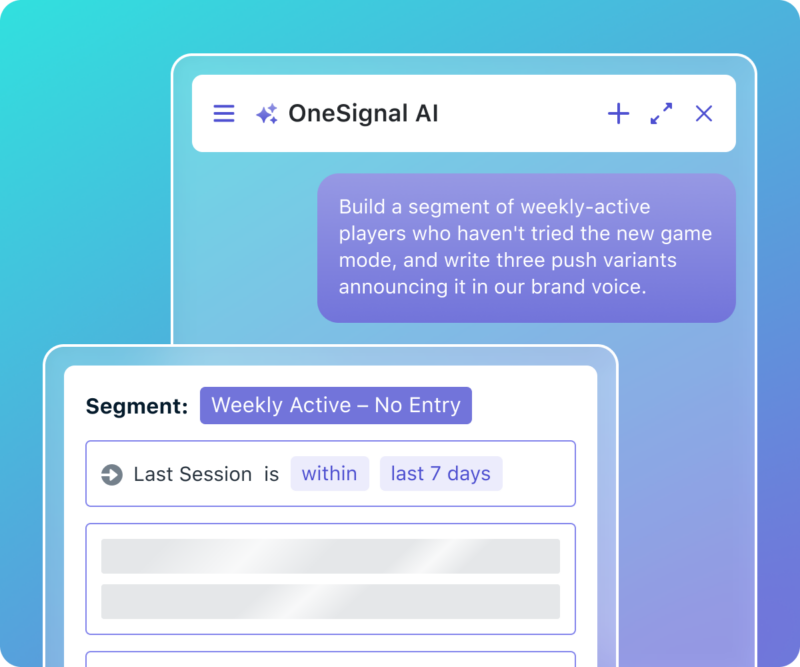
Create segments, draft templates, and trigger workflows with a prompt instead of navigating menus and builders
Compose with AI
Generate message copy, subject lines, and notification text tuned to your audience and channel
"I love OneSignal AI. It took what used to take hours of manual reporting and gave me the answer in 10 seconds."
OneSignal MCP Server
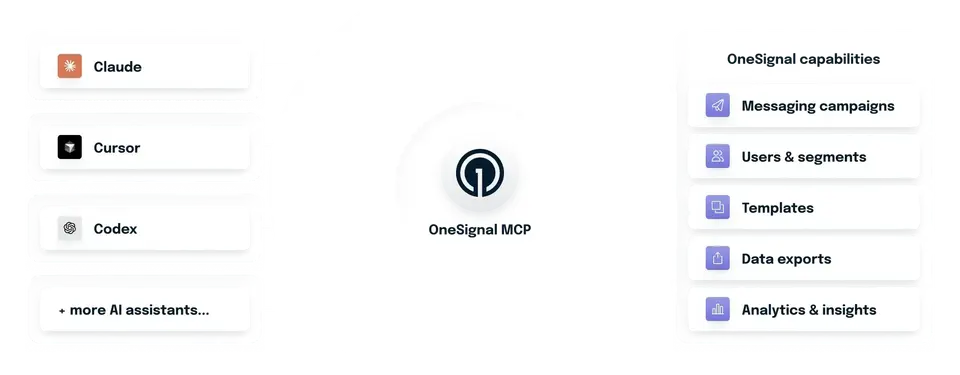
Give any AI assistant the ability to operate OneSignal on your behalf (Open beta)
Ask and it's done
Ask your AI assistant to query analytics, manage users, or build campaigns — no API docs or dashboard clicks required
Cross-platform orchestration
Agents coordinate OneSignal alongside your warehouse, CRM, and other MCP servers in a single conversational workflow
Our API meets your agent
Use the breadth of our API (messaging, users, segments, templates, exports, and analytics) — all via your agent and our MCP server
Common AI FAQs
OneSignal AI is an embedded assistant inside the OneSignal platform that lets you query analytics, build campaigns, and manage audiences using natural language. You can ask things like "how did our push notifications perform last week?" or "create a highly engaged email audience," and it performs the action directly in the platform. It's designed to cut the learning curve for OneSignal and reduce the manual work of running day-to-day lifecycle messaging.
OneSignal AI can pull campaign performance, report on segment growth and delivery health, create segments, draft templates, generate message copy and subject lines, and trigger workflows — all from a chat prompt. It works conversationally inside the OneSignal UI, so marketers can get answers and take action without knowing the platform's specific workflows or the underlying API.
The OneSignal MCP server is a hosted Model Context Protocol server that lets external AI assistants, like Claude, ChatGPT/Codex, Cursor, and GitHub Copilot, securely operate OneSignal on your behalf. It turns your AI assistant from an advisor into an operator: instead of switching between dashboards, docs, and APIs, you work through your AI client in natural language. Because it uses the open MCP standard, agents can also orchestrate OneSignal alongside other systems, like pulling data from a warehouse, creating a segment in OneSignal, and scheduling a send in one workflow.
OneSignal AI is a chat assistant built into the OneSignal platform for querying and running the product from inside the UI. The OneSignal MCP server is what lets external AI assistants like Claude, ChatGPT, and Cursor read and operate OneSignal from outside the platform, including as part of multi-tool agentic workflows. In short: use OneSignal AI to work conversationally inside OneSignal, and use the MCP server to drive OneSignal from your own AI environment.